




Royalstiger App
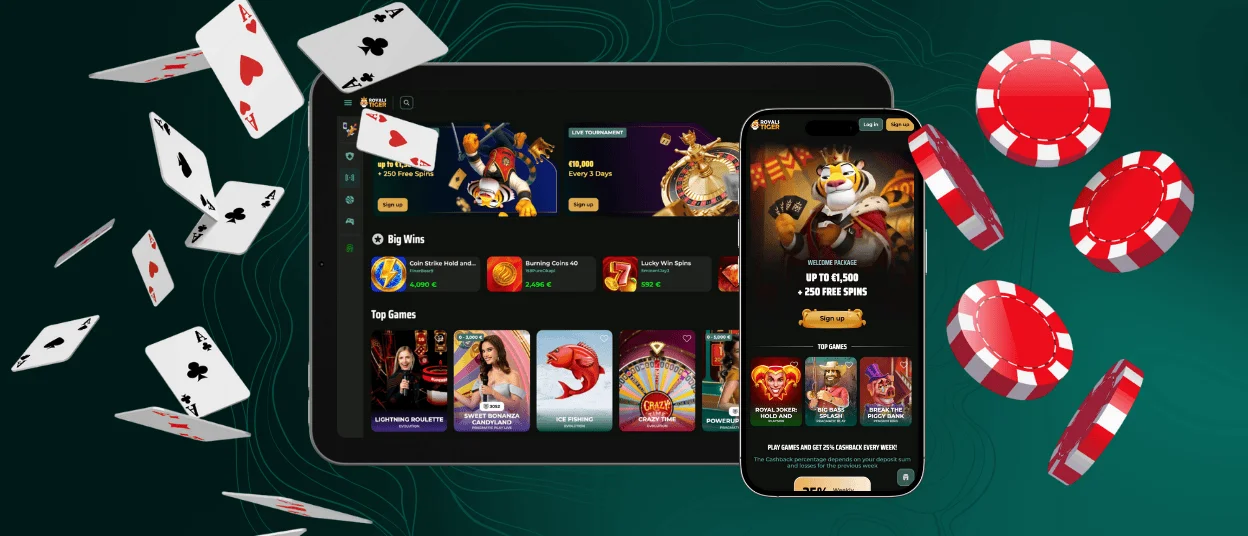
The Royalstiger app gives you an app-like way to play on mobile and desktop without installing a classic store app. It runs as a progressive web app, also known as a PWA. In practice, you add an icon to your home screen or desktop and open the casino in one tap or click.

Benefits and Features of the Royalstiger App
This PWA setup keeps your account and lobby consistent across devices. After login, the interface stays consistent across mobile and desktop, including the cashier and account settings.
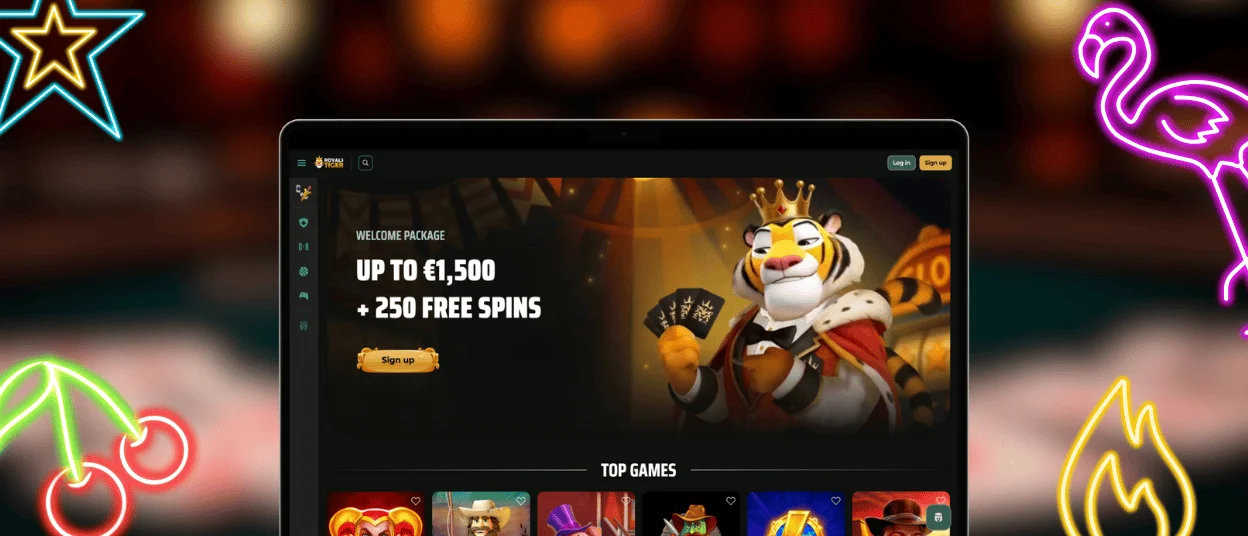
On smaller screens, you can move between the lobby, the cashier, and account tools without extra menus. If you want a quick slot pick, you will see popular titles like Royal Joker: Hold and Win and Book of Ra Deluxe right in the Top Games area.
Here is what most players notice with the app-style experience:
- You enter faster because the icon opens the casino right away
- The app-style window helps you stay focused during a session
- You avoid manual installs because the experience updates through the browser
Desktop still has its strengths. Promo terms are easier to read in one view, comparing games takes less effort, and account settings feel less cramped. A full keyboard also speeds up tasks like entering verification details or handling account changes.
Some players search for Royalstiger APK. You do not need it here. The PWA gives you the same goal without an APK download, extra storage use, or manual installs. It also helps you avoid third-party files that have nothing to do with the official experience.
Key Differences Between the PWA Experience and Desktop Play
The PWA shortcut opens Royals Tiger in an app-style window. Desktop play uses a browser tab or a desktop shortcut. The platform stays the same in both cases, but the day-to-day experience differs based on screen size, controls, and how you usually play.
| Criteria | PWA Experience | Desktop Experience |
| Getting started | Open from a home screen or desktop icon | Open in a browser tab or from a desktop shortcut |
| Controls | Touch-first layout | Keyboard and mouse input |
| Session style | Quick sessions and on-the-go play | Longer sessions, multitasking, multiple windows |
| Best for | Convenience and speed | Deep browsing, settings, big-screen play |
Royalstiger App for Android
On Android, you can use the Royalstiger app experience directly through your browser. Add the shortcut to your home screen once, and after that, the casino opens from an icon in an app-style window.
This format works well if you switch game types during the day. You might start with a short slot session, then come back later when you have time for something longer. For a quick slot option, you can open Chicken Run straight from the lobby.
Mobile Application for iOS
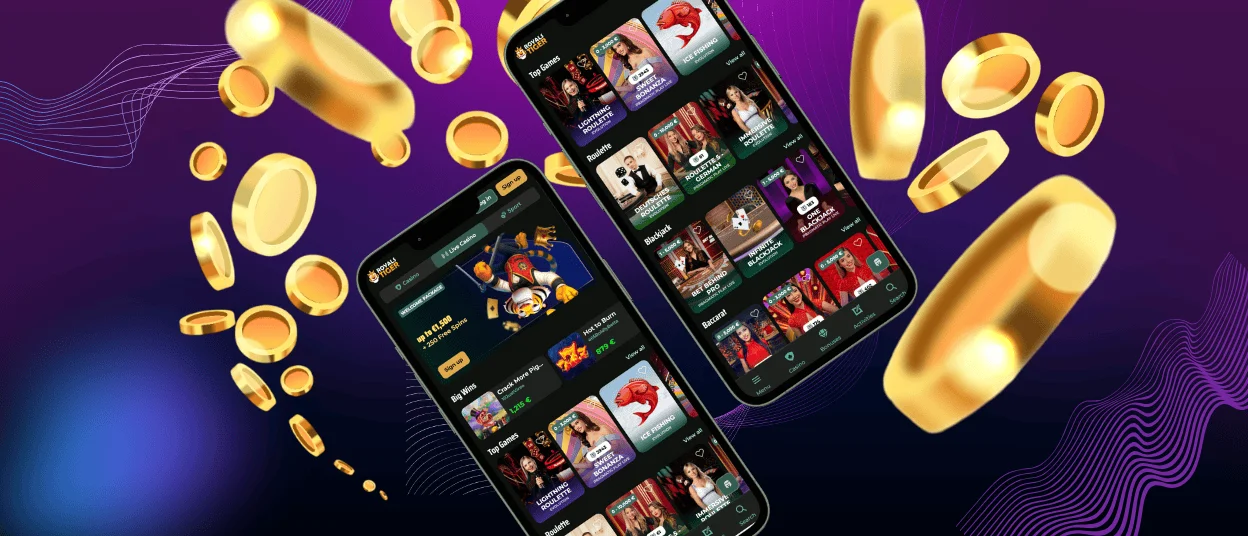
iPhone and iPad users usually set it up through Safari. Open Royals Tiger, use the Share menu, and add the shortcut to your home screen. From there, you launch the casino from the icon and keep the session in a clean, app-like view.
The interface stays tidy on iOS, which helps in shorter sessions. You can browse the lobby, open a game, and manage your account without switching between tabs.
Play Royalstiger on Mac or Windows
You can also add a shortcut on Mac or Windows and open the casino from your desktop. This works well if you want a separate window for gameplay, or you return often and prefer direct access.
Payments can feel more straightforward on a full screen, especially when you use different methods. On Royalstiger, players can choose from card options and popular wallet-style methods, plus crypto.
How to Install the Royalstiger App on Any Device
Since this is a PWA, installation means adding an icon to your home screen or desktop. After that, you open Royalstiger from the icon like a regular app.
- Android in Chrome: go to Royalstiger, open the menu, choose Add to Home screen, then confirm
- iOS in Safari: visit Royalstiger, tap Share, choose Add to Home Screen, then confirm
- Windows or Mac: load Royalstiger in a modern browser, choose Install app when your browser shows it. If you do not see it, create a shortcut and pin it to your desktop or dock
If you do not see Add to Home Screen or Install app, switch to a regular browser window, then reload the page.
FAQ
Is the Royalstiger app a real app or a website?
It is a PWA. You add an icon and open Royalstiger in an app-like view for day-to-day use.
Do I need an app store download?
No. You use the shortcut on mobile or desktop, so there is no store install.
Will I see the same games on mobile as on desktop?
Yes. The game catalogue is the same, and you can move between slots and live titles on both.
What promotions can I use in the app experience?
You can use the same promotions because the PWA connects to the same platform. Royalstiger runs multi-step deposit offers with free spins, plus tournaments, lotteries, weekly cashback up to 25 percent, and rakeback up to 17 percent.
Why does the cashier not open properly on my phone?
Most issues come from browser settings that block pop-ups or restrict site permissions. Allow pop-ups for Royals Tiger, then reload the cashier and try again.


